If There's a will, There's a way!
  is my motto.



I have encountered problems with my website layout at Internet Explorer (IE) for many times. I normally use Mozilla Firefox for my daily online but I would use IE for my websites testing.
This morning my friend, Paul told me that one of my website’s sidebar dropped to the bottom of the posts. I quickly open my IE and found that my site looked like this:
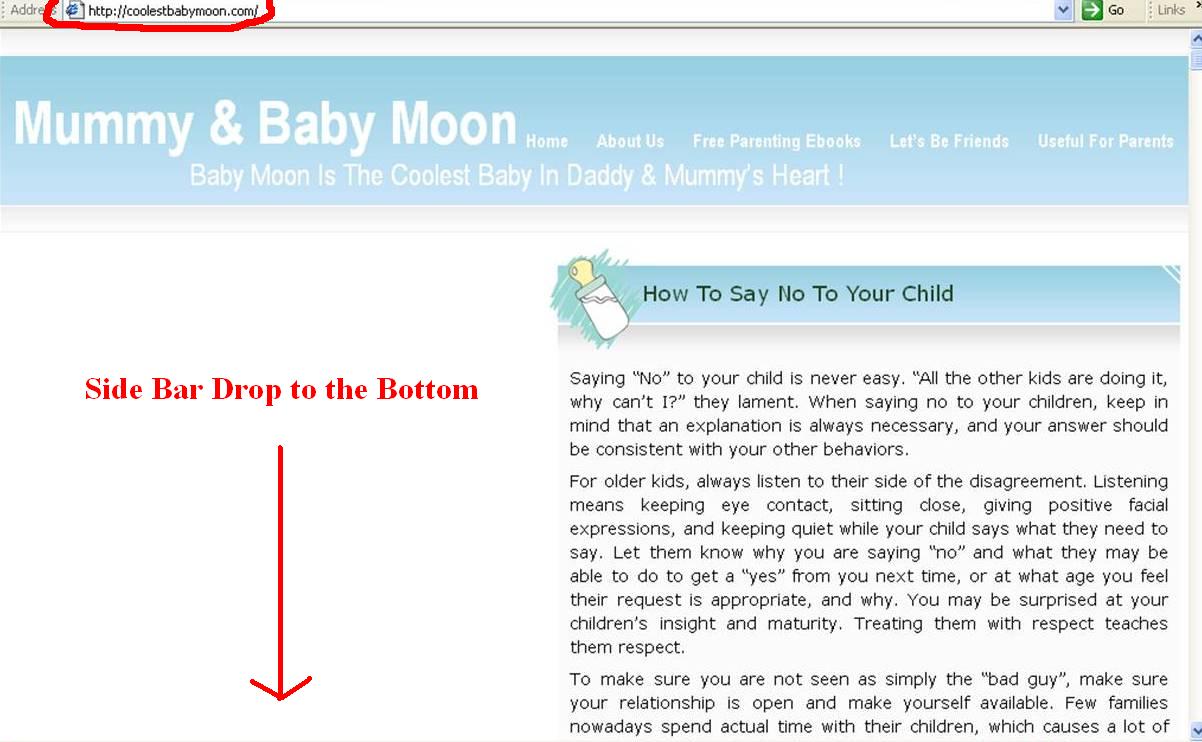

But when I opened with my Mozilla Firefox, it looked just great!
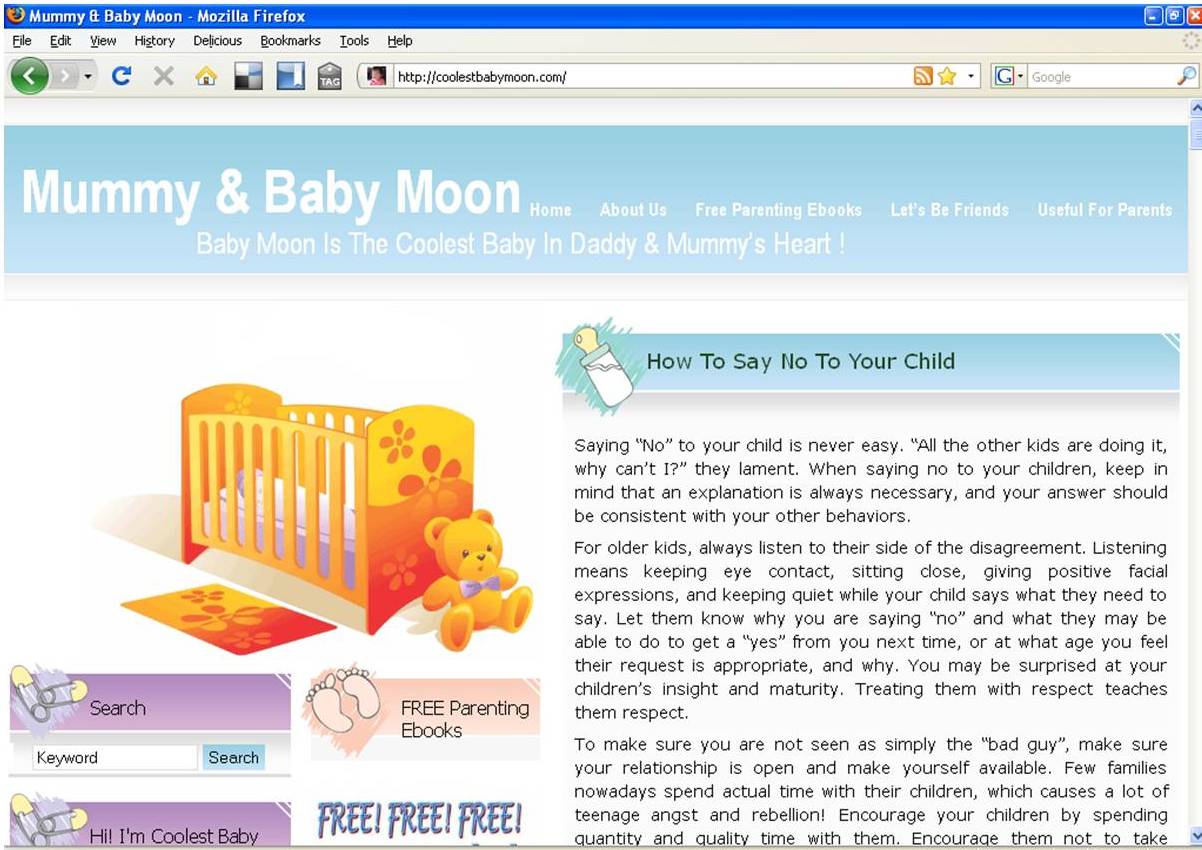
I suddenly remember I just added in a new widget last week and this might be the cause of the layout problem. Since I have experiences on how to deal with this problem, it took me a few minutes for the small adjustment at the sidebar width.
And it looks normal and working good at IE now.
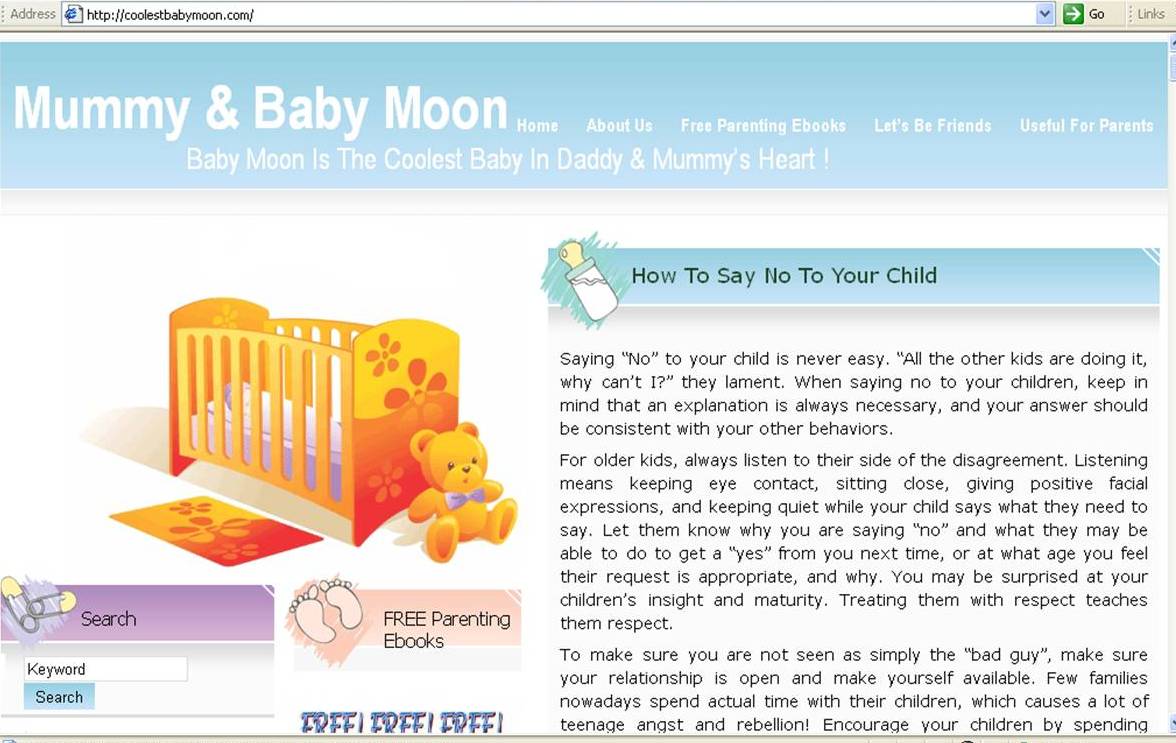
I suggest you to check your websites periodically to make sure the layout of your themes are working in order. Any new added in widget may cause the change of the layout at IE.
And if you encountered the layout problem, try the following ways:
- Check the size of your widget, does a particular widget too big in the width?
- If all your widgets’ width are ok, now check the sidebar width for your theme and try to reduce the size.
- You might need to try for few times and normally it works well after the adjustment at sidebar width.
- If it’s still not working, then this is time for you to check your header’s width if you are using custom header.
I hope the above tips help. Happy blogging! :)