


 If There's a will, There's a way!
  is my motto.



I have encountered problems with my website layout at Internet Explorer (IE) for many times. I normally use Mozilla Firefox for my daily online but I would use IE for my websites testing.
This morning my friend, Paul told me that one of my website’s sidebar dropped to the bottom of the posts. I quickly open my IE and found that my site looked like this:
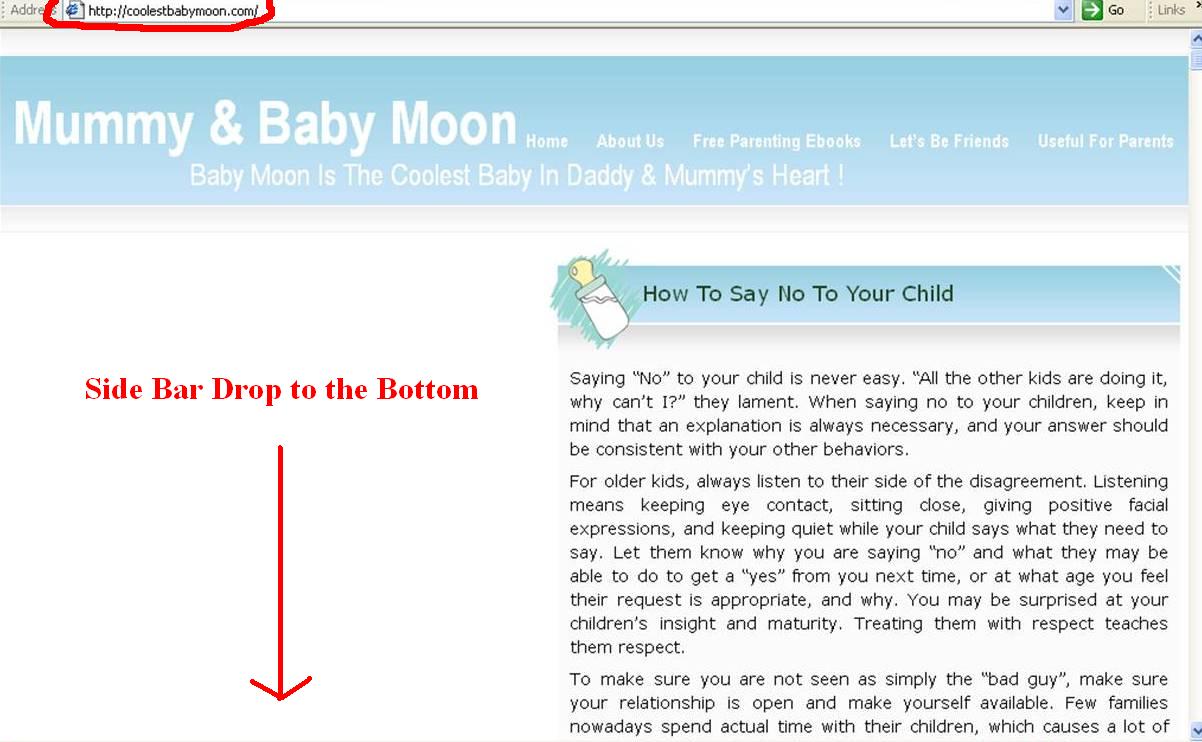

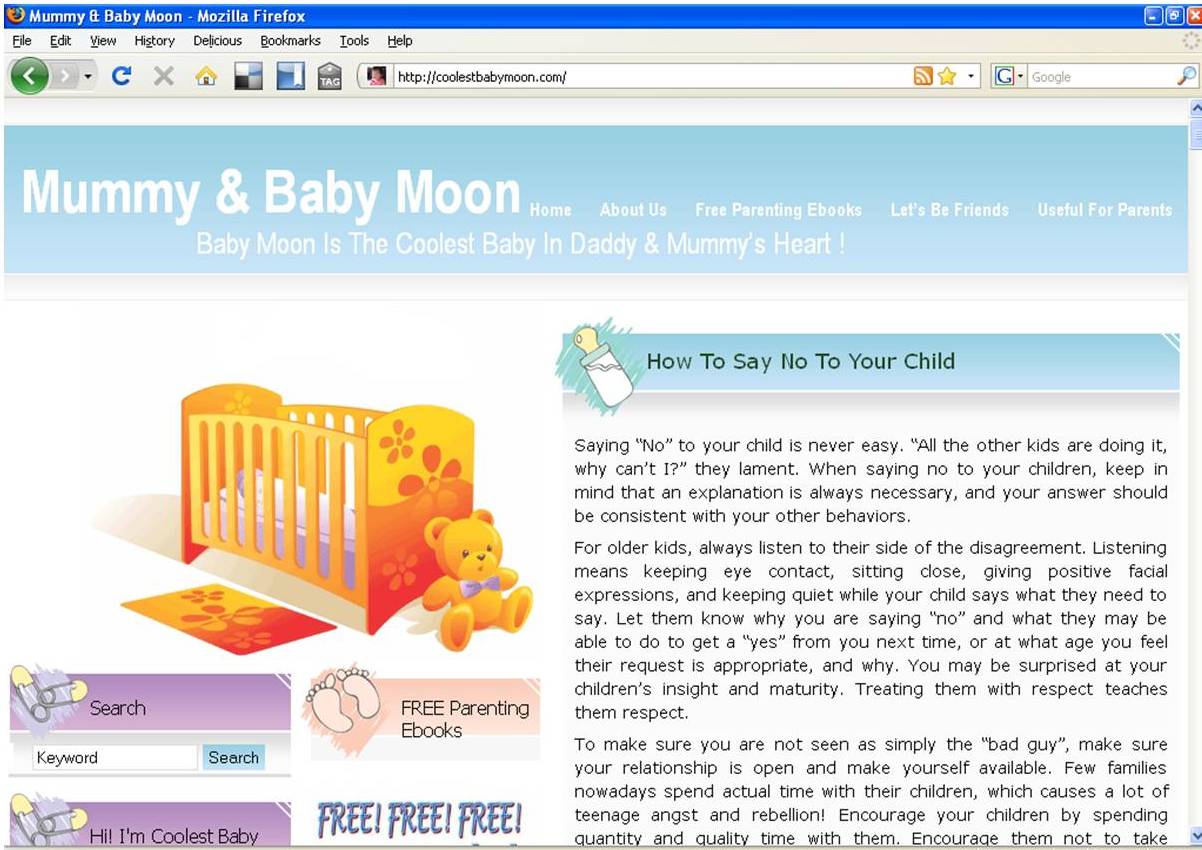
But when I opened with my Mozilla Firefox, it looked just great!
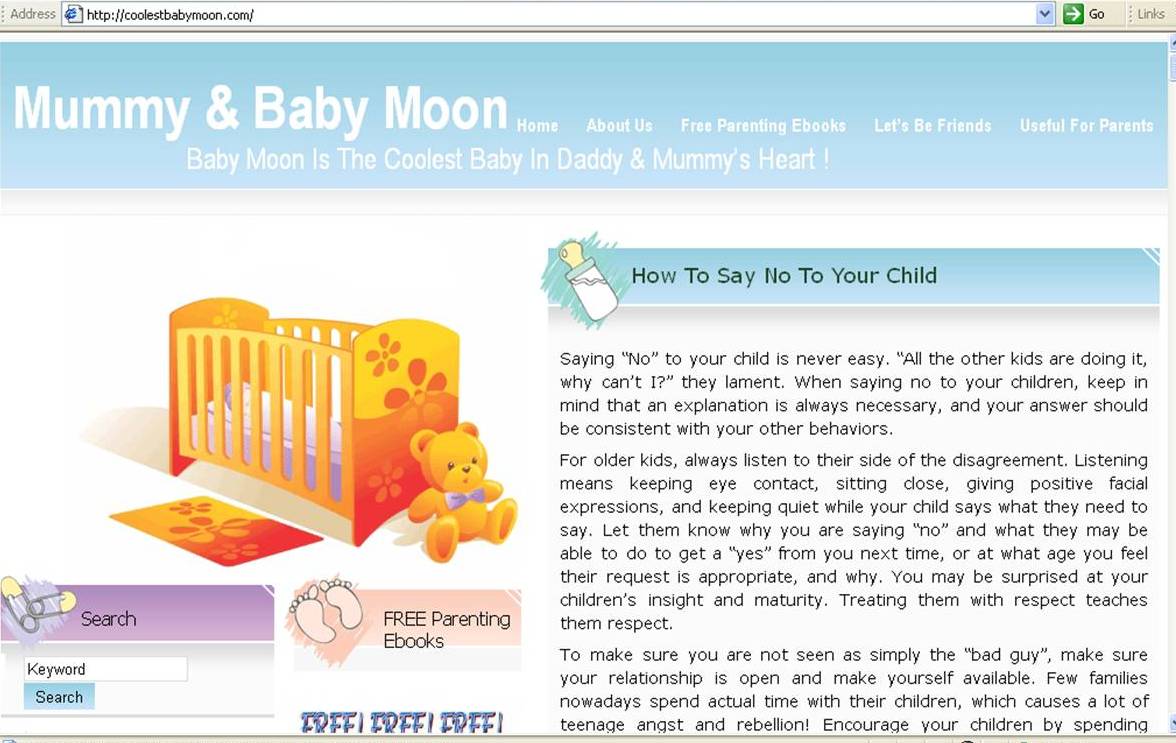
I suddenly remember I just added in a new widget last week and this might be the cause of the layout problem. Since I have experiences on how to deal with this problem, it took me a few minutes for the small adjustment at the sidebar width.
And it looks normal and working good at IE now.
I suggest you to check your websites periodically to make sure the layout of your themes are working in order. Any new added in widget may cause the change of the layout at IE.
And if you encountered the layout problem, try the following ways:
- Check the size of your widget, does a particular widget too big in the width?
- If all your widgets’ width are ok, now check the sidebar width for your theme and try to reduce the size.
- You might need to try for few times and normally it works well after the adjustment at sidebar width.
- If it’s still not working, then this is time for you to check your header’s width if you are using custom header.
I hope the above tips help. Happy blogging! :)


We often face problems with IE 6.0 browser specially with our high-tech AJAX / DIV scripts. IE is a real pain for web designers and developers. We want to focus on future modern browsers, however, still a large number of people are using IE 6.0.
We will be glad when people stop using IE and move to firefox or chrome or safari. They hardly give any problems and mostly sync in very well.
You are true, even I didn’t use IE but there are a LARGE number of people are using IE. We really can’t ignore it.. I got large percentages of readers are using IE too..
I think it’s impossible for people to stop using IE but I hope the number of supporters will be reduced from time to time.. Hhaaa.. :)
If you professional also find IE a trouble, for us it’s a BIG problem! ;)
Hi Moon, heh, I’ve had that happen to me so many times I get terrified of installing new widgets! Heh. I think there’ll be a spot for a new webmaster in the future to take care of my sites! Maybe you can consider the same, yeah?
Asher
Haa Asher, I hope that I can get webmaster to take care of my sites. By that moment I believe my business grows and I’m too busy to handle the sites and to tackle those troublesome.. Yeah~~ Haa :)
Thanks for this useful post. In a similar but slightly different direction … I posted an article where I cut and pasted a couple of sentences from a Microsoft Word document. In Firefox, it looked fine but IE users told me it was all over the place graphically. I use Linux and Firefox all the time and so had to figure out what was different about this post over the others that still loaded successfully … The answer? Text formating code from the original Word document paste needed stripping out and hey presto IE users (how many are left? lol!) could see the post fine … An inexpensive lesson for me!
Oh yah Russell, another problem at IE! I also notice that if copy and paste from word document, there are some codes that may cause some problems. So I normally use notepad and dare not copy and paste from Microsoft Word.
Thanks for your sharing here too.. At least we know the solution if facing this problem. :)
Common problem with IE6, is the DIV tags, the best way to do this is to make sure your left and right floats are equal to the size of the container width. So if the container is 800 pixels, then the two panels must add up to 800 pixels, otherwise if one column is 601 pixels and the other is 200 pixels. It will move the one of the div tags below.
Also check your floats on each div tag.